Creating a pass is simple. The software should be too.
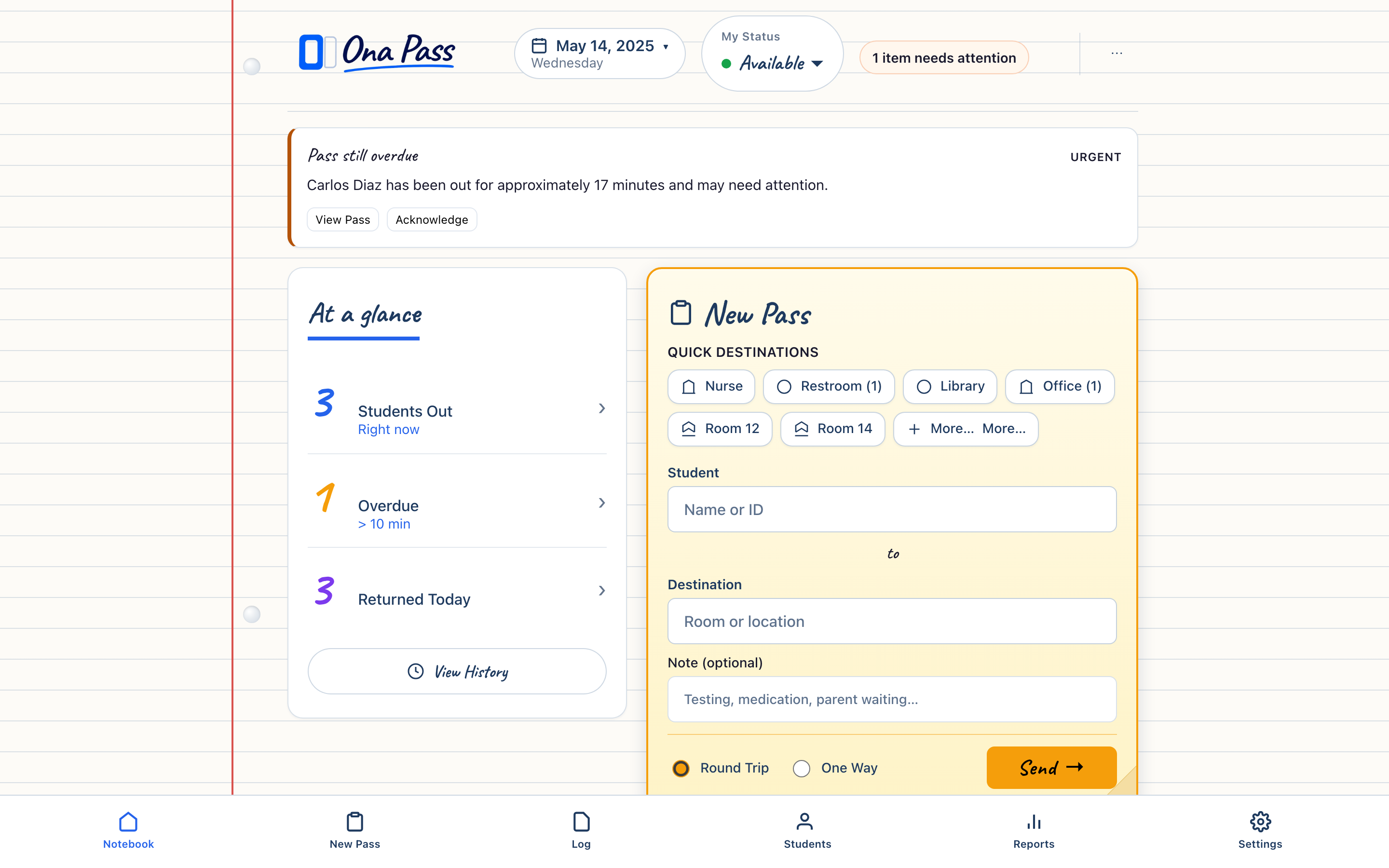
Staff create and receive passes in seconds on one page. Administrators see live movement and supervised spaces across the building — without asking Teachers & Staff for reports.
Ona Pass helps schools manage both student movement and supervised spaces — with a Staff Notebook for daily pass work and a Campus Clipboard for hall passes and Managed Rooms.
See Ona Pass in action
A teacher creates a pass. A staff member sends a student back. An administrator sees campus activity — in about one minute.
Runtime: approximately 1:25
Built for the school day
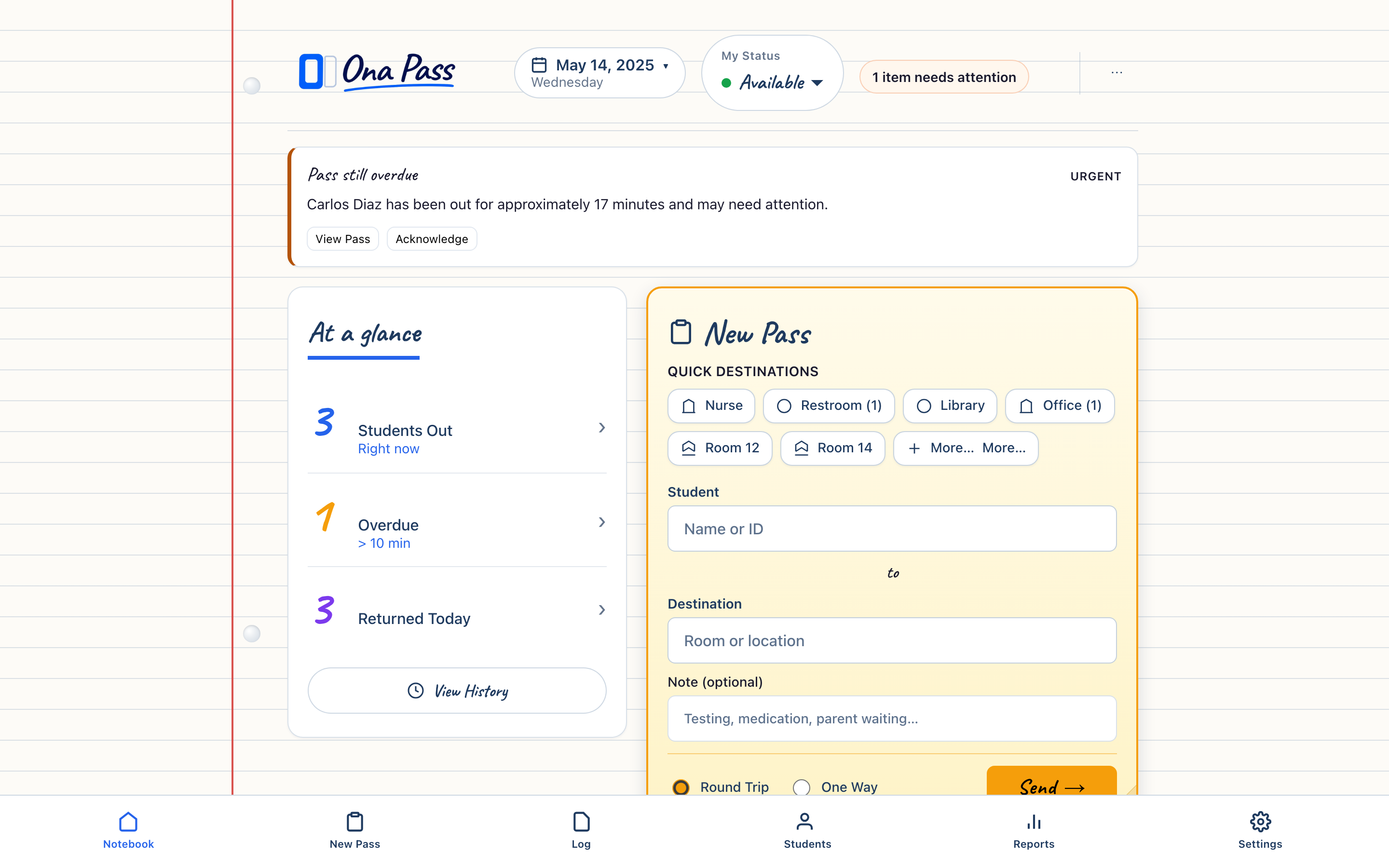
Student, destination, send — on the page staff already have open.
Five-second passes
Currently Out, Today's Log, and Passes To You stay on a single staff surface — no switching systems mid-lesson.
One notebook page
Administrators see live movement without adding work for teachers — oversight stays separate from classroom workflow.
Quiet infrastructure
Create passes, see who is out, receive students, and review the day without switching systems.
Teachers & Staff
The Staff Notebook — one page that stays open while you teach.
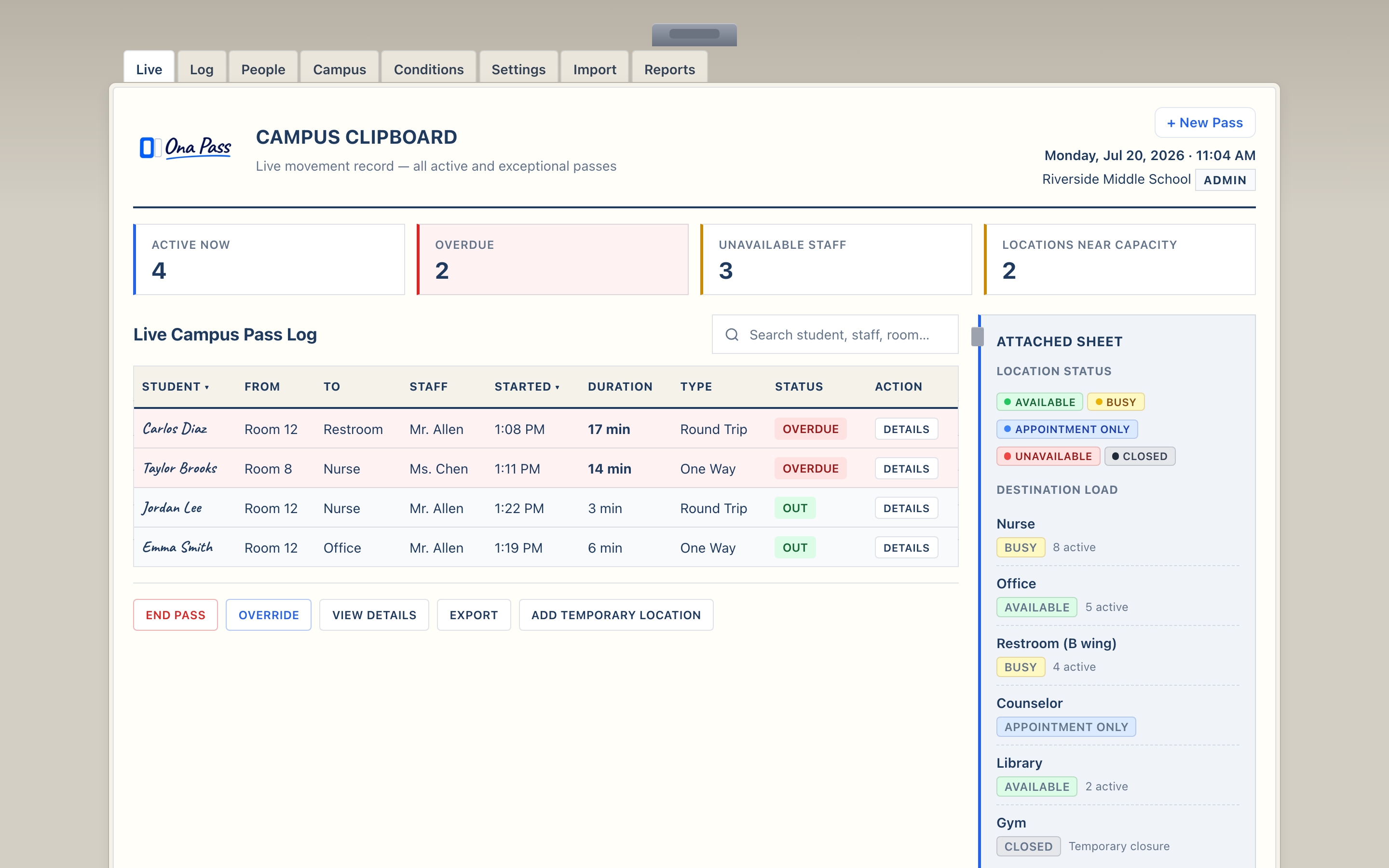
See active passes, campus activity, and staff availability on one administrative surface.
Administrators
The Campus Clipboard — live visibility into student movement across the building.
Hall Passes. Managed Rooms.
Smarter Supervision.
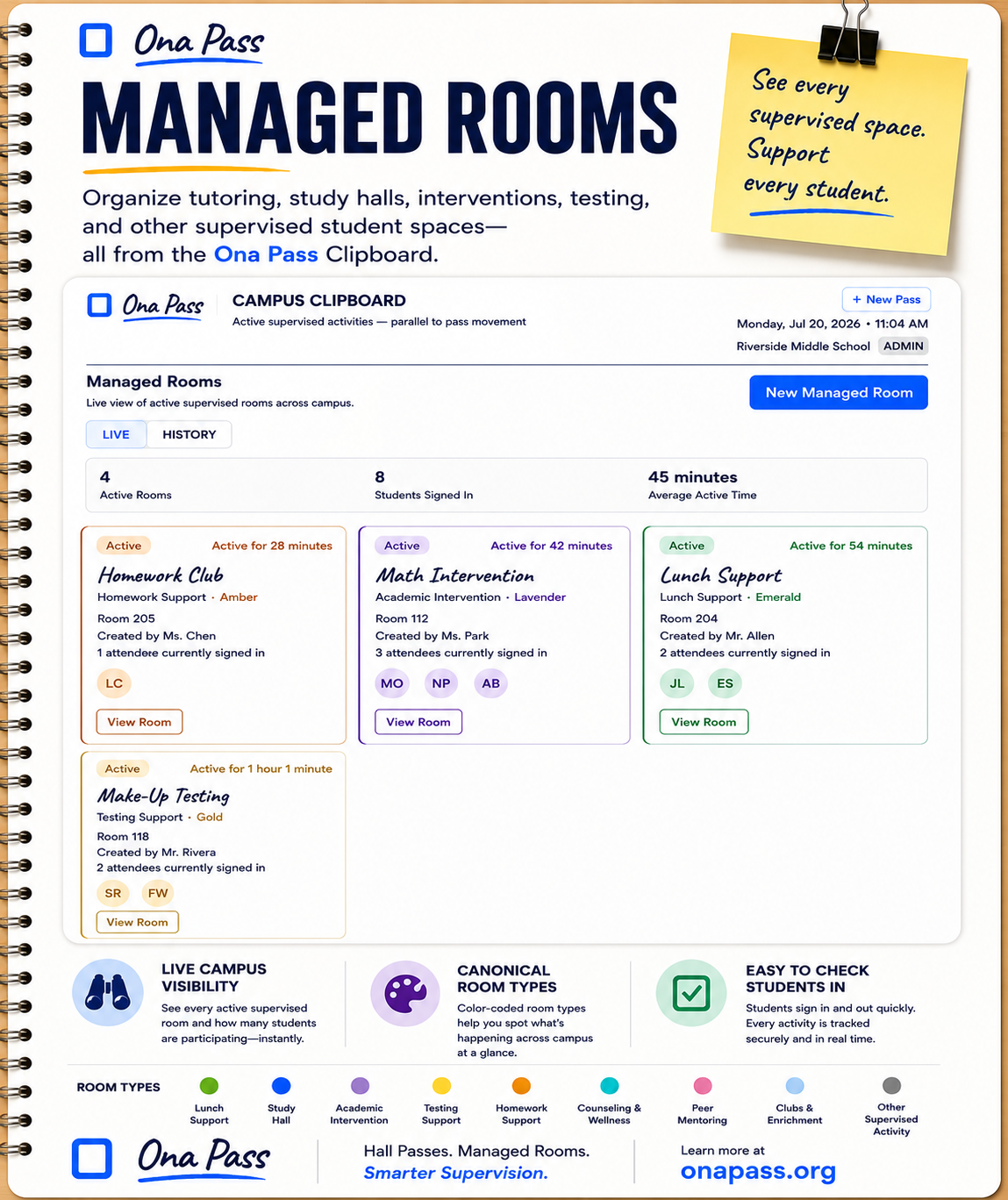
Managed Rooms
Organize tutoring, study halls, interventions, testing, counseling, clubs, and other supervised student spaces from the Ona Pass Clipboard.
See every supervised space. Support every student.
- Tutoring and homework support
- Study halls and academic intervention
- Testing support
- Counseling and wellness
- Clubs, enrichment, and other supervised activities
Find your role
School Leaders
Protect instructional time with software staff will actually use.
IT Departments
Browser-based scope, clear security posture, pilot-friendly deployment.
District / LEA Leadership
Consistency, governance, and evidence-based expansion across schools
Security & Privacy
Student movement data handled with care and honest documentation.
Media Kit
Official descriptions, facts, and brand resources for press and partners.
View the Pilot Program
Start with a small pilot — real passes, no whole-school rollout on day one.