IT Departments
Browser-based. No local install for pilot.
Ona Pass runs in a modern web browser — staff and administrators access it without desktop agents, browser extensions, or local software packages. For pilot schools, deployment is scoped and documented.
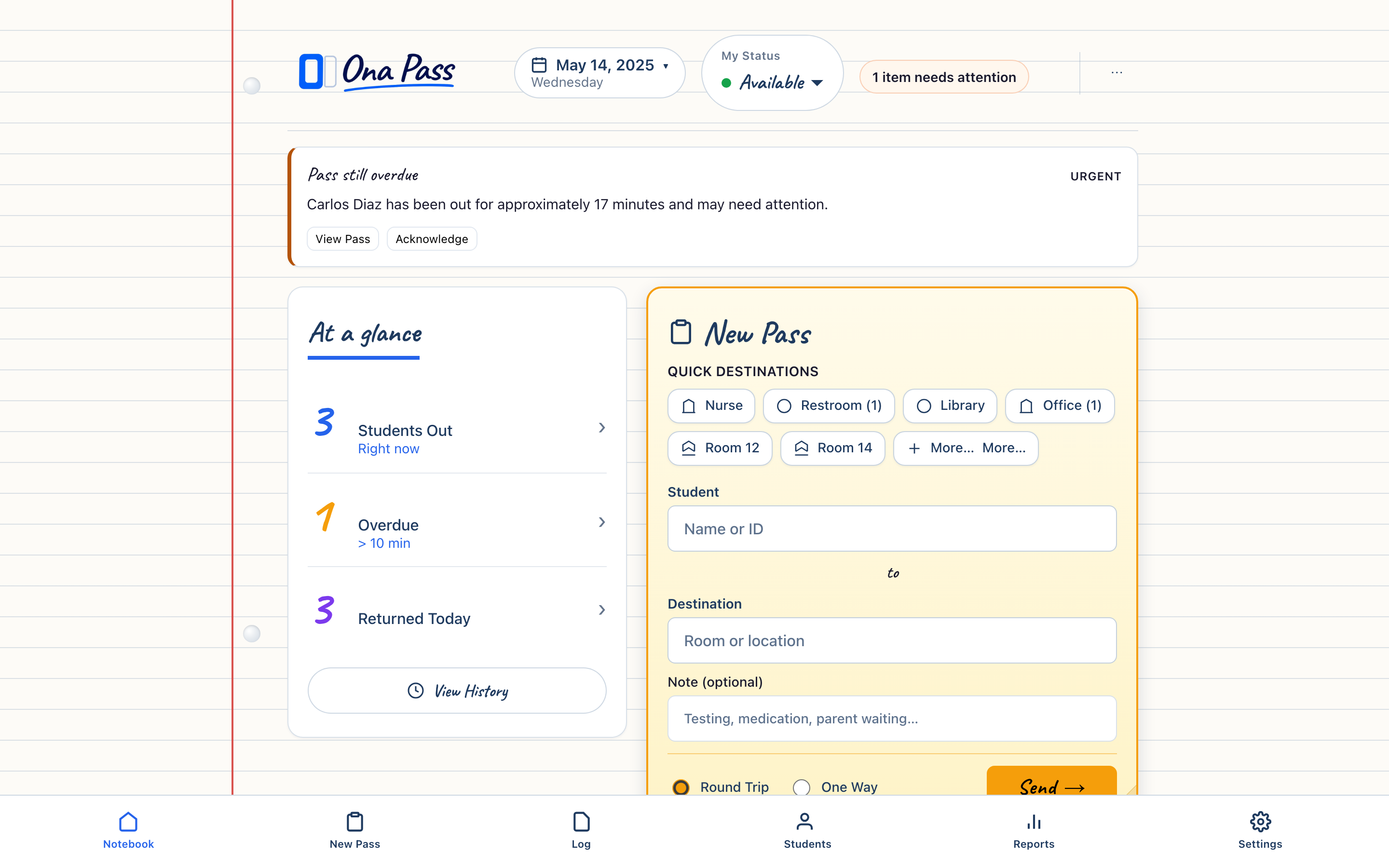
Browser access — no local install for pilot
Staff and administrators open Ona Pass in Chrome, Safari, Edge, or Firefox on desktop, laptop, or tablet. No executable to push, no MDM package to maintain during a pilot evaluation.
Pilot schools receive trial keys and a welcome path for onboarding. Staff bookmark the application URL; administrators access the Campus Clipboard from the same browser session. Network requirements are standard HTTPS web traffic.
The preview environment uses documented demo data for evaluation before any school-specific deployment. Pilot environments receive scoped onboarding with defined support — not a silent production rollout.
Production deployment at app.onapass.org will require a separate security review before district-wide rollout. We document current scope honestly: preview and pilot are evaluation environments; production credentials and pipelines are managed outside this repository.
Security and data handling
Ona Pass handles student movement data. Our documentation addresses FERPA-aware framing, data minimization, role-based access, and the fields collected for pass workflows.
Core pass fields are limited to what the workflow requires: student name and/or student ID, location data, timestamps and duration, pass type and status. No unnecessary personal data is collected or displayed.
Role-based access separates staff notebook functions from administrator clipboard functions. Staff availability settings do not require reasons; actions where policy permits must be auditable by administrators.
Detailed security architecture, authentication design, and a formal privacy policy will be documented during later product phases. For current evaluation, the Security & Privacy page describes our approach and honest status.
Deployment scope — preview and pilot
We label environments clearly. Preview uses demo data. Pilot uses scoped school onboarding. Production rollout follows a separate review.
Preview — Public demo with synthetic student names and stable seed data. Useful for staff and administrators to experience the workflow before any school commitment. No school credentials required.
Pilot — Typically ten staff with trial keys, administrator setup, and a two-to-four-week evaluation window. School roster data is verified during onboarding; support is defined and documented.
Production — Not available for general district rollout at this stage. Credentials, authentication design, and deployment pipelines require separate security review. We will not imply production readiness where it does not exist.
Repository safety: secrets, tokens, and credentials are never committed. Production credentials are managed outside the codebase. Shopify theme deployment, where applicable, uses authenticated pipelines.