Administrators
Campus awareness without adding work for teachers.
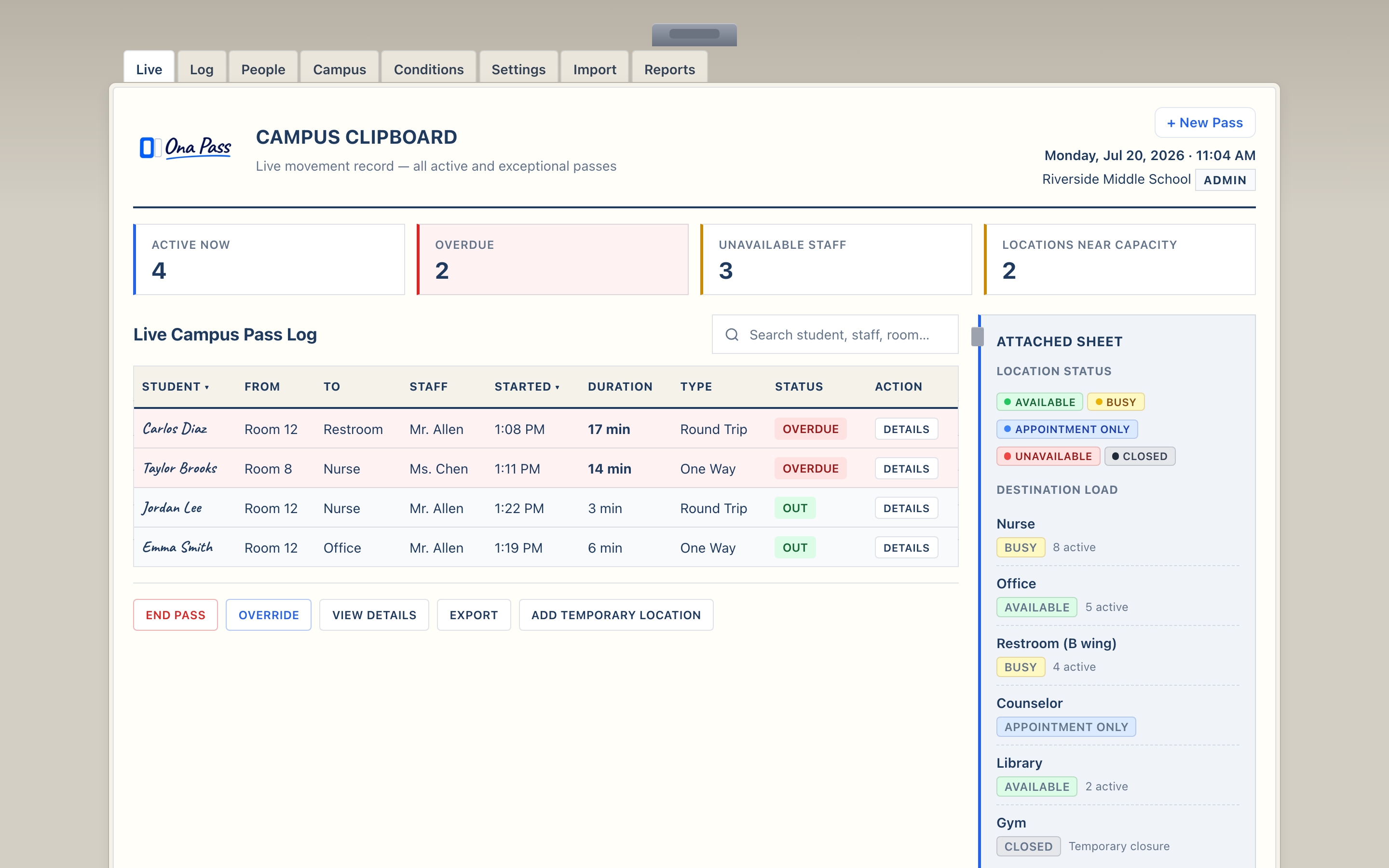
See who is out across the building, where students are headed, and how long they have been gone — on one administrative surface designed for oversight, not interruption.
Ona Pass gives administrators a Campus Clipboard for live movement. Teachers stay on their notebook page; you observe campus activity at natural checkpoints.
Administrators campaign overview video
Runtime: approximately 23 seconds
Administrator campaign video featuring real-time campus visibility and Managed Rooms.
Will this create more work?
No — and that is a design requirement, not a marketing claim. Teachers create passes in about five seconds on a page they already have open. Administrators observe movement without asking staff to file reports or switch systems.
Ona Pass separates staff workflow from administrative oversight. Teachers use the Staff Notebook — one page for creating passes, seeing who is out, and receiving inbound students. The Campus Clipboard is your surface: active passes, campus overview, staff directory, and settings when you need them.
During a pilot, your role is setup and observation — not daily pass creation. Review the clipboard at natural checkpoints: start of a block, after a bell, when a parent calls. Staff continue their normal pass routines; the record accumulates as they work.
If adoption is the concern, the pilot scope is intentionally small — typically ten staff — so you can evaluate whether the workflow fits before any wider rollout conversation.
Campus activity
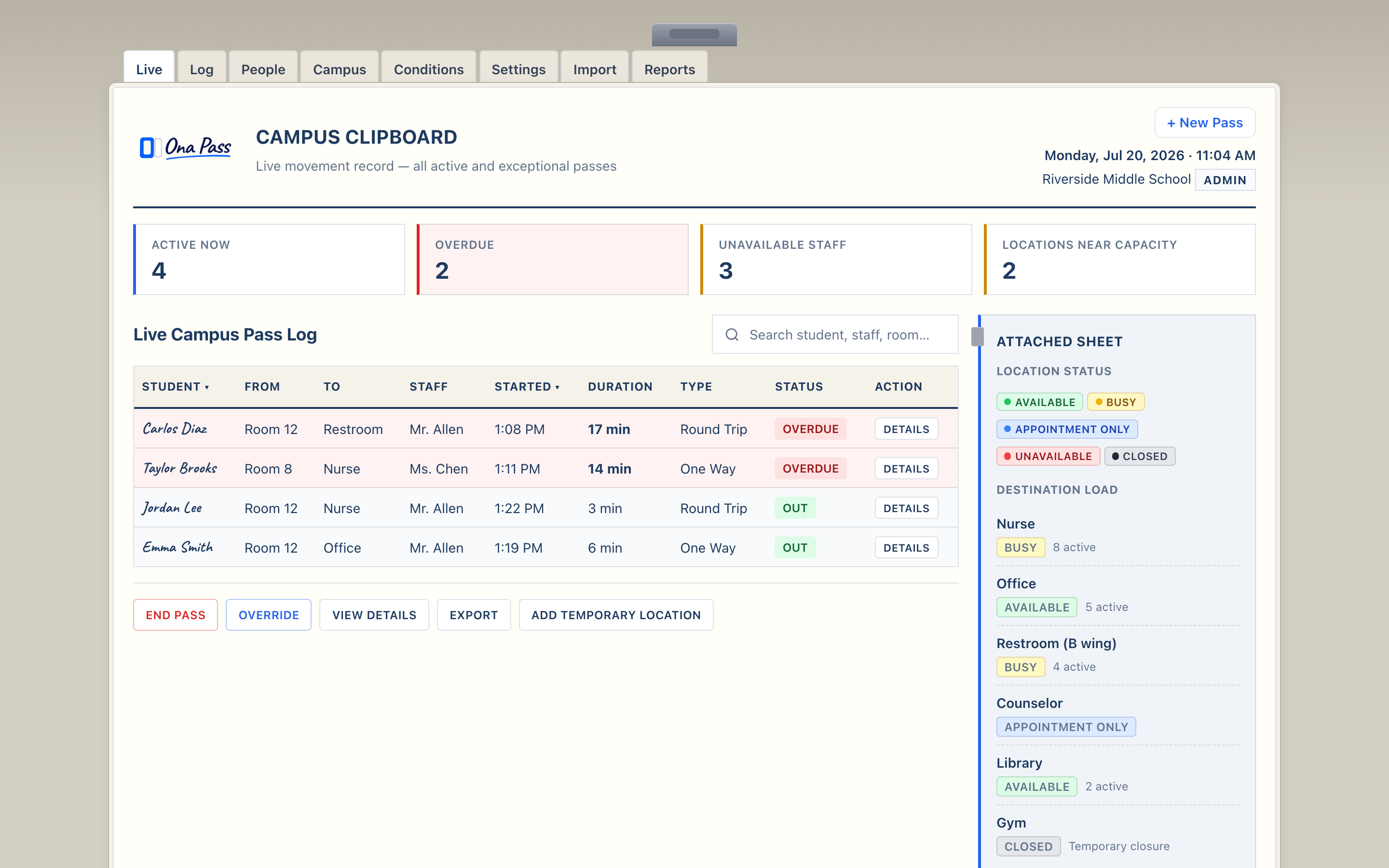
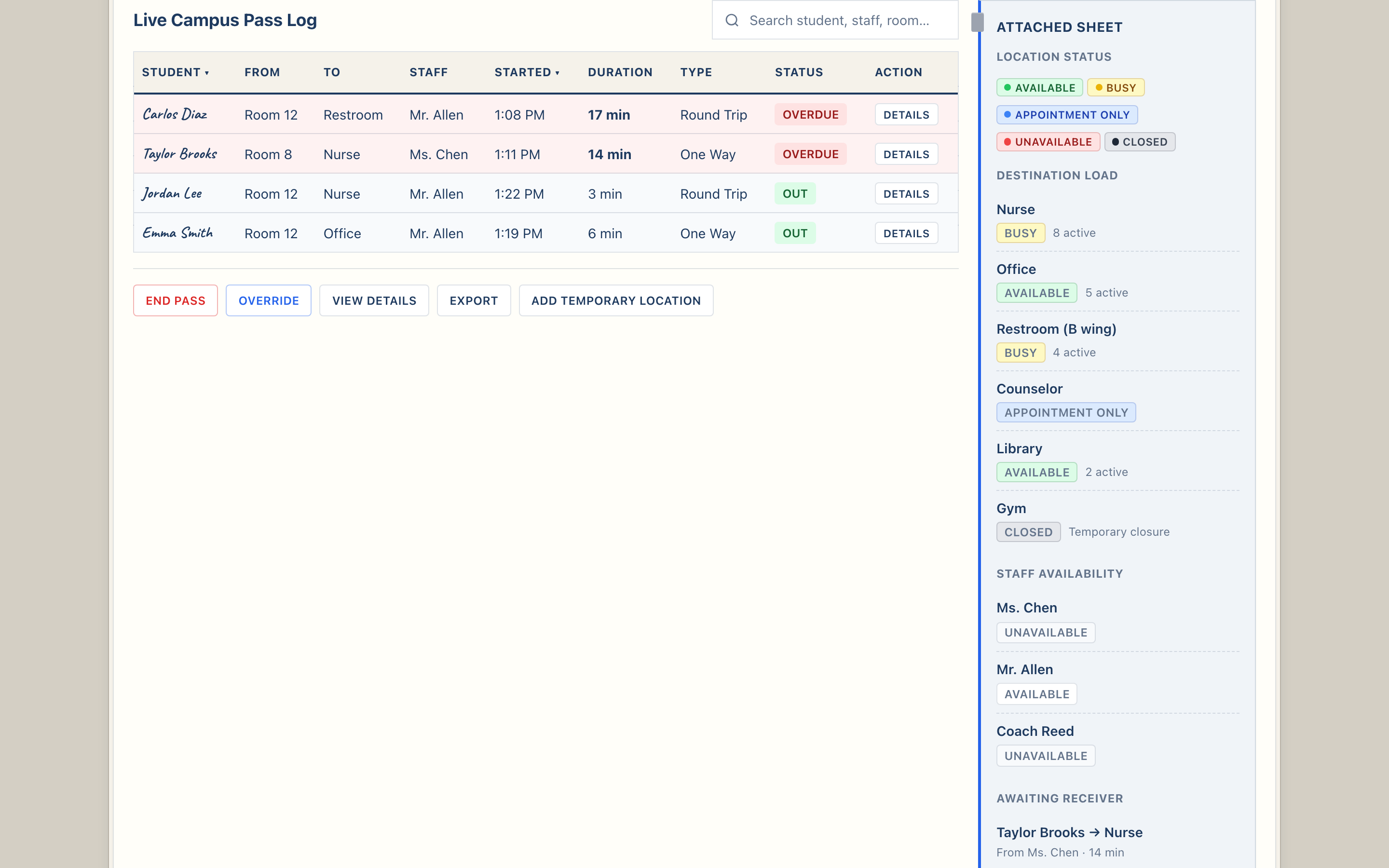
See who is out right now, where they went, and how long they have been gone — across the building, not just one classroom.
The Campus Clipboard aggregates active passes from all participating staff. Scan the list between classes or when responding to a hallway concern. Each entry shows student, origin, destination, and elapsed time.
Campus Overview summarizes activity at a glance — how many passes are active, which locations see the most movement, and which staff are currently issuing passes.
Staff Availability shows which adults are marked available to receive students. When someone is unavailable, sending staff see that status before routing a pass — reducing failed handoffs at the door.
Ona Pass is not a district analytics platform. The clipboard gives you live awareness and today's movement record — sufficient for hallway accountability and pilot evaluation. Advanced reporting and district-wide dashboards are not the current focus.
Rules and settings — honest scope
Administrators can review campus rules and school settings during preview and pilot. What you can configure today is documented; what is planned is labeled clearly.
During preview, campus rules and school settings use demo data to show the intended administrative surface. Pilot schools receive scoped configuration with onboarding support — pass duration defaults, location lists, and staff roster verification.
Some administrative capabilities — advanced reporting, SIS integration, district-wide policy templates — are on the roadmap and not yet available. We describe current capability honestly so your evaluation matches what staff will actually use on day one.
For security, data handling, and deployment questions, share the IT overview and Security & Privacy pages with your technology team.
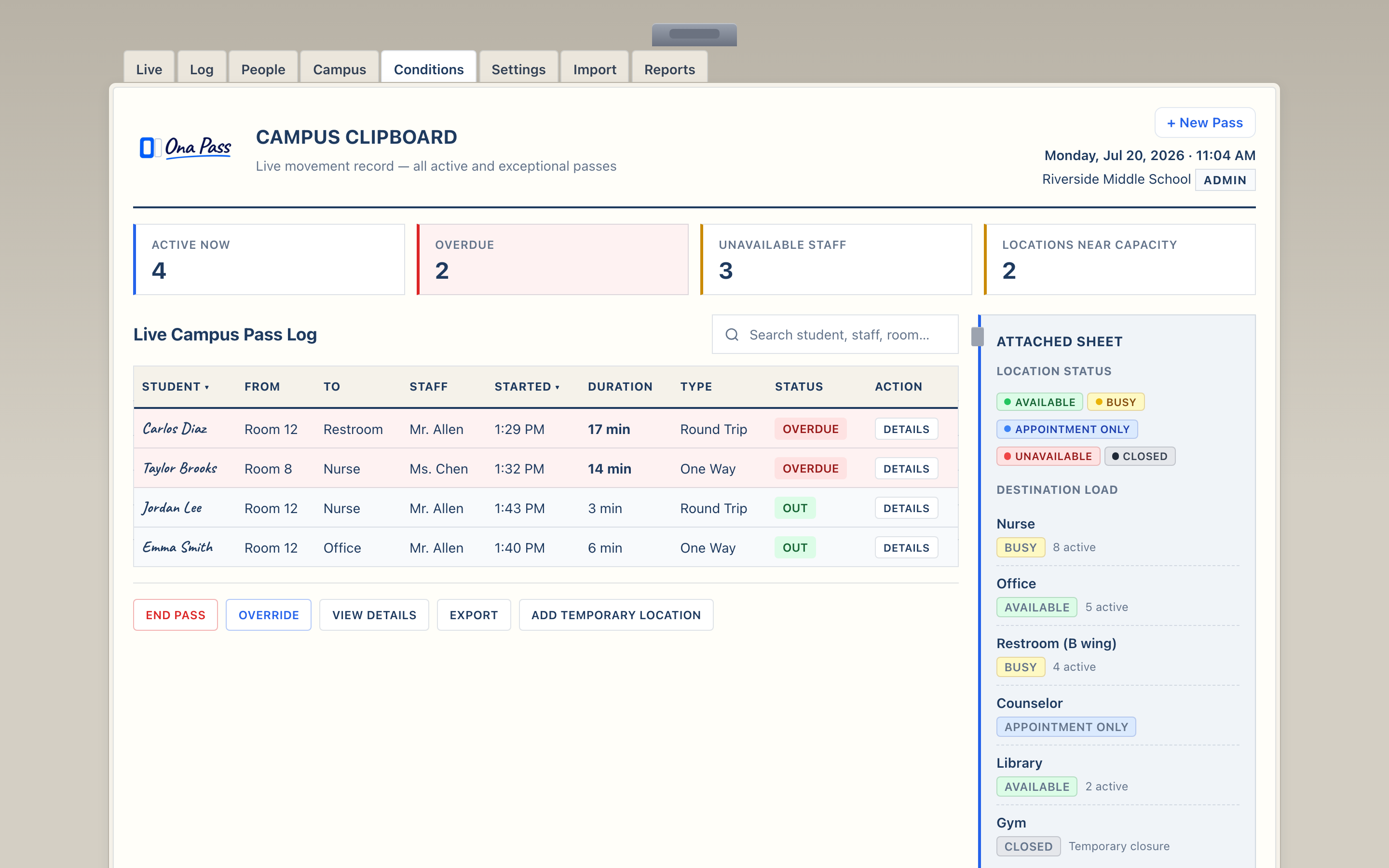
See the Campus Clipboard yourself
Open the admin demo, review active passes, and decide whether the oversight model fits your building — before asking staff to change their routine.
Explore Admin Demo View the Pilot Program Questions Schools Ask Contact Us